
Creating a good website page is not only about filling it with information and making it available on the web. A good website page is informative, friendly, and meets existing criteria of quality. The Safe Page Checklist below is meant to help website owners, marketers, and publishers create safe pages by understanding how to create a safe page with proper trust signals and compliance factors.
No matter whether you create landing pages, business pages, affiliate pages, or product pages, adherence to the rules will help avoid mistakes and increase the credibility of the page.
What Does it Take to Make a Page Safe and Credible?
The main idea of creating a safe page is answering the users' most important questions before they do anything on your website. Users always want to know who owns the website, what is offered on the page, and why the information on the page is credible.
Search engines and advertising systems use many quality criteria. They include transparency, content utility, reputation, and the page's user experience. An unfinished, misleading, or information-poor page cannot have good performance.
Usually, a good page includes:
Unique and understandable content
Correct information
Transparency of the business
Good navigation
Contact information
Safe browsing
User-oriented design
Development of a Safe Page
Creation of a safe page implies prioritization of user interests. Many website owners make a mistake when creating pages for the sake of ranking high in search engines only. Modern platforms prefer the relevancy and credibility of the experience.
Use these simple steps:
1. Add Information Pertaining to the Business
A credible site needs to provide information regarding its owner or a company/service behind it, namely:
an “About Us” section
contacts
the address of the business (where appropriate)
customer service information
the history of the company
Adding the above will make users more comfortable knowing that they deal with a reliable person.
2. Offer Original and Meaningful Information
Duplicated and low-quality content may spoil your page’s credibility. Each page should provide users with useful information answering their queries.
In addition to restating typical thoughts, add:
personal experience
expertise in the field
explanation
examples
recommendations
Original information will show the level of competence of the author and make him or her close to the target audience.
3. Be Clear about the Important Points
It is necessary to be clear when working online. You need to explain:
all the information concerning prices
the conditions for providing services
privacy policy
refund policy
website terms of use
Safe Page Best Practices to Improve Your Website Performance
Would you like to gain trust of your users and establish good foundations of your website? Following Safe page best practices will help any type of business including companies, blogs, affiliate marketing websites and product advertising.
Make Sure Your Page Looks Professional
Professional appearance improves user experience and makes it easier to find needed information. Try not to overcrowd it with pop-ups and confusing buttons.
Main design points:
Design should be mobile-friendly;
It should load quickly;
Font should be readable;
There should be Call to Action;
Layout should be clear and easy to navigate through.
Your page will appear professionally designed and credible.
Provide Detailed Information About Privacy and Security of Your Website
In view of growing concerns about privacy issues, pages where users' personal information is handled require information about its use.
Pages that should be added to your website:
Privacy policy;
Cookies policy;
Terms and conditions;
Disclaimer.
It is particularly relevant to sites which carry out advertising campaigns or collect information from customers.
Do Not Mislead People
False information will harm trust to your page. Avoid presenting false or exaggerated information, statistics or testimonials.
Being honest with the customers and setting reasonable expectations will contribute to building trust. It takes time but pays off.
Safe Page Checklist for Beginners
For those who start creating their website, following a Safe page checklist for beginners may be useful. Think about these issues before publishing important pages:
Is the content unique and interesting to users?
What is the aim of this page?
Are contact details provided?
Have you created privacy and legal pages?
Does the page look professional on mobile devices?
Is all the information provided truthful and justified?
Is the user experience easy and understandable?
What else can you offer as an additional value?
The Role of Traffic Quality in Page Safety
When discussing page safety, one cannot exclude such factors as traffic quality, misleading campaigns, poor-quality sources, and irrelevant visitors, which influence user behavior on the website.
It is important to monitor certain metrics, which include:
Bounce rate;
Time of engagement;
Conversion behavior;
Source of traffic;
User actions.
An understanding of user behavior allows identifying opportunities for improvement.
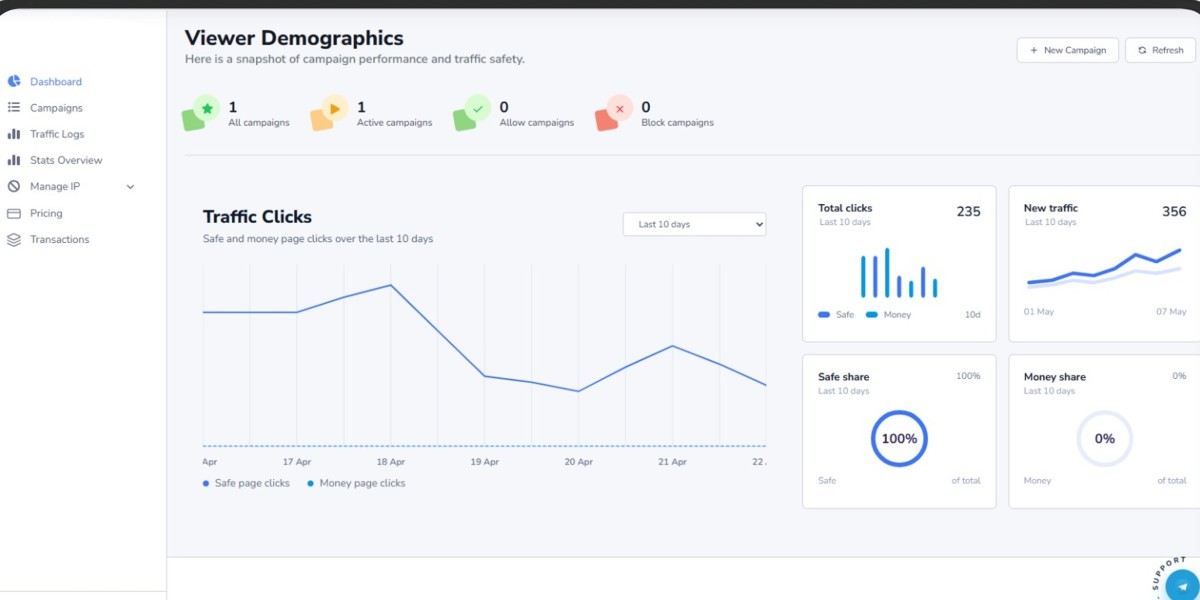
For marketers and advertisers who need to control different campaigns, TrafficSaviour software can be helpful when it comes to monitoring and analyzing traffic quality. It allows businesses to better understand visitor behavior and make informed decisions based on traffic performance.
The Significance of Continuous Improvement in Establishing Trust
Site safety is not a once-in-a-lifetime thing. Site owners should conduct regular reviews and updates of content, policy, and user experience.
Such reviews should consider such aspects as:
Updating outdated information;
Updating broken links;
Updating security measures;
Considering customer feedbacks;
Verifying accuracy of information provided.
This is the way to show greater trust to users and web platforms.
Conclusion
Developing a safe website presupposes creation of high-quality pages focused on transparency and user experience. With help of the Safe Page Checklist, website owners will have an opportunity to create a basis for safer websites without any risks associated with trust and compliance issues.
Both in case of developing a new website and working on existing pages, it is necessary to focus on valuable information and transparency.